
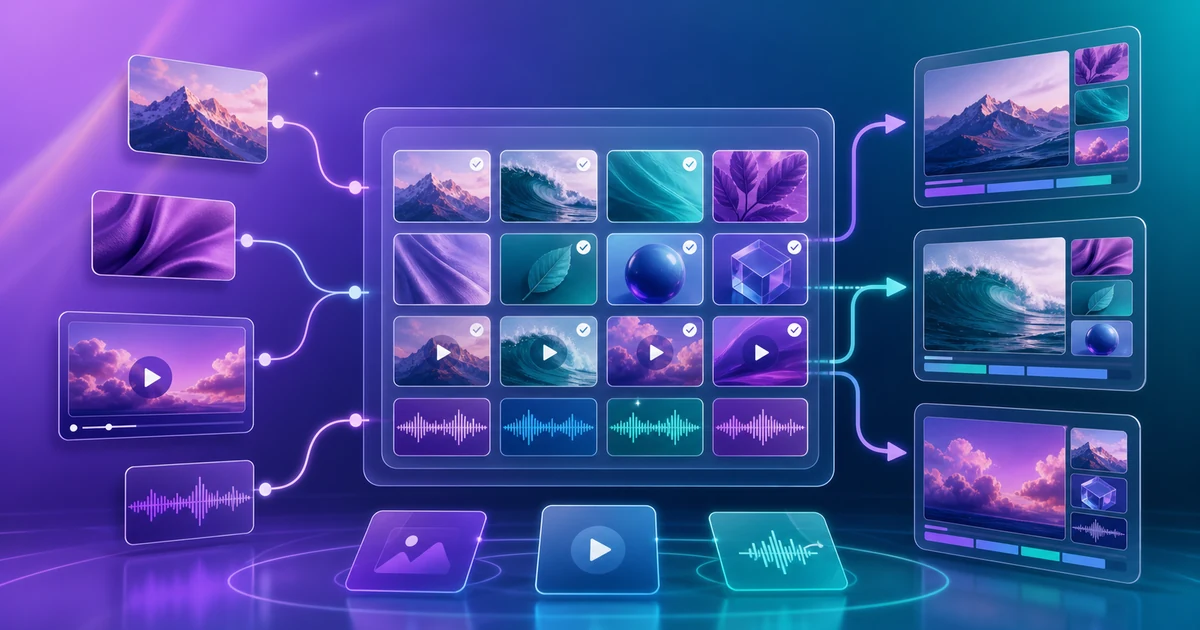
Re-uploading assets is where repeat production slows down
In AI video production, the visible time goes to script generation, media search, and rendering. The hidden delay is smaller: finding the same product photo again, checking which logo file is current, downloading a music bed that was already approved, and uploading it all as if the project were starting from zero.
That is fine for one or two videos. It becomes expensive when production repeats.
- The same brand image is uploaded again and again.
- Similar product shots get scattered across projects.
- Approved files and temporary drafts become hard to tell apart.
- It is unclear which file was used in which job.
- When storage gets tight, nobody knows what is safe to delete.
That is why AI video production needs more than better prompts. It also needs a rule for making media assets reusable.
A media library is not just storage. It is a speed layer.
VMAI Media Library gives signed-in users a place to find media they uploaded or created through tool workflows. If you treat it as a file dump, it only becomes a cleanup screen. If you treat it as part of production, it becomes a speed layer.
A useful media library helps you answer these questions quickly.
| Question | Why it matters in production |
|---|---|
| Have we used this image before? | You avoid searching or uploading the same visual again. |
| Where did this file come from? | You can tell whether it is an approved output, a tool result, or a temporary source. |
| Is this still safe to reuse? | You avoid old logos, private screenshots, and outdated campaign assets. |
| Is this a repeatable bundle? | You can save it as a Media Set and load it when creating a new video. |
In VMAI, you can search by filename, tag, or source, use favorites, and filter by media type. Images, videos, audio, and subtitle files can live in the same library, but the assets you want to reuse inside new videos should still be organized by role.
Three losses caused by repeated uploads
1. Brand consistency gets weaker
When every project starts with a fresh file search, it is easy to mix the current logo with an old one, or a public product shot with an internal review image. AI can help pick visuals for scenes, but brand-critical assets still need a human-approved source of truth.
2. Review time comes back
Even if an image was cleaned once, unclear filenames force reviewers to open it again. Names and tags such as public, approved, product-closeup, or do-not-crop make the decision faster.
3. Storage decisions become unclear
A media library can include uploads and tool outputs. Some tool outputs should be managed from the owning tool history instead of being deleted directly from the library. Before cleanup, separate source files, reusable assets, and generated outputs.
A better VMAI reuse workflow
For recurring brand, product, or campaign videos, use this flow.
- Upload only the files you really need. In the new video flow, add your own images directly or browse from the library.
- Name and tag approved assets. Examples:
brand-logo-final,product-demo,public,do-not-crop. - Bundle repeatable images and videos into Media Sets. VMAI Media Sets are designed to load frequently used visual assets together when creating a new video.
- Keep the matching mode with the bundle. Use 1:1 when one image should map to one scene, and 1:N when the same brand visual can support multiple scenes.
- Reuse from the library instead of uploading duplicates. Selecting an existing library item avoids creating another copy of the same asset.
This pairs well with Prepare a User Media Pack for Better Video Matching: clean the source files first, then keep only approved assets as reusable library items.
What should become a Media Set?
Not every file needs to be a set. A set is useful when a group of assets is likely to travel together.
| Set example | Good assets to include | Assets to avoid |
|---|---|---|
| Brand intro set | Logo, hero product shot, office or service image | One-off campaign drafts |
| Education content set | Lesson thumbnail, shared intro visual, reusable diagrams | Screenshots with learner data |
| Product update set | Public UI screenshot, feature icon, shared background | Unreleased internal screens |
| Campaign set | Event key visual, fixed CTA image, seasonal graphics | Expired price or benefit images |
The key question is simple: “Can the next video use this as-is?” If the answer is uncertain, keep the file separate and review it again before bundling.
Start with naming, not deletion
Cleaning a media library does not have to start with deletion. It is safer to start with names, tags, and favorites.
- Filename: leave a human-readable
brand-role-statusclue. - Tags: use search terms such as
brand,product,approved, orprivate-check. - Favorites: reserve them for the files used in the current campaign.
- Deletion: start with unused duplicates, sensitive files, and obsolete drafts.
- Download: keep important final assets in your own local or team archive too.
The point of AI video production is not to restart from zero every time. It is to reuse what has already been approved and spend attention only on the new scenes. The media-library rule you create today can shorten the next video tomorrow.
Next step
To turn this into a practical checklist, follow Plan a Reusable Media Library for AI Video Projects. Before starting the next project, open Create New Video and decide which files should be uploaded fresh and which should come from the library.
Enjoyed this article?
Subscribe to get notified when we publish new posts. No spam, unsubscribe anytime.
Related Articles
Your AI Video Isn't Too Long. Its Scenes Are Repeating Themselves
If trimming seconds does not fix a slow AI video, look for repeated explanations, visuals, and emotional beats. Give every scene one distinct job before cutting useful detail.
The Video Ending Mistake That Wastes a Good AI Video
A polished AI video can still end without giving viewers a clear next step. Design the video ending around one outcome, one call to action, and one trust cue before you render.
Why AI Videos Look Like Random Stock Footage
Even relevant visuals can feel random when color, framing, subjects, and motion change without a rule. Use a simple video style guide to make an AI video feel like one story before rendering.
Comments
Please login to leave a comment
LoginNo comments yet. Be the first to comment!