
Blog
News and updates from VMAI
Filter by tag

Your AI Video Isn't Too Long. Its Scenes Are Repeating Themselves
If trimming seconds does not fix a slow AI video, look for repeated explanations, visuals, and emotional beats. Give every scene one distinct job before cutting useful detail.
More Articles

The Video Ending Mistake That Wastes a Good AI Video
A polished AI video can still end without giving viewers a clear next step. Design the video ending around one outcome, one call to action, and one trust cue before you render.

Why AI Videos Look Like Random Stock Footage
Even relevant visuals can feel random when color, framing, subjects, and motion change without a rule. Use a simple video style guide to make an AI video feel like one story before rendering.

Stop Answering Every FAQ in One AI Video
A focused FAQ video script beats a catch-all explainer: choose one question, prove one answer, then use VMAI's idea or script workflow without bloating the edit.

If the First 5 Seconds Are Weak, Your AI Video Is Already Losing Viewers
A polished AI video can still lose viewers if the opening does not make the problem, promise, or change clear. Use this VMAI workflow framework to design the first 5 seconds before generation and review.

Before Your AI Video Maker Renders: Fact-Check the Script First
A polished AI video draft can still carry wrong numbers, sources, or product claims into the final render. Use this VMAI workflow checklist to fact-check the script before rendering begins.

Is Your AI Video Really Ready to Publish?
A finished render is not automatically ready to publish. Use VMAI Showcase as a practical frame for checking rights, titles, subtitles, format, and public visibility before sharing an AI video.

The AI Video Maker Mistake: Re-uploading the Same Assets
Re-uploading brand images, product shots, music, and subtitle files for every AI video slows production and weakens consistency. Use VMAI Media Library and Media Sets to build a reusable video asset management workflow.

Stop Rebuilding AI Videos: Use a Version Pass Instead
If an AI video draft is close but not finished, rebuilding from scratch can throw away what already works. Use VMAI's completed-video editing and version flow to plan smaller, safer revision passes.

Before You Burn Subtitles Into a Video: 7 Checks That Prevent Re-renders
Burned-in subtitles make a video easier to share, but a missed typo, bad placement, style mismatch, or Credit issue can force another render. Use this VMAI Subtitle Burner checklist before you start.
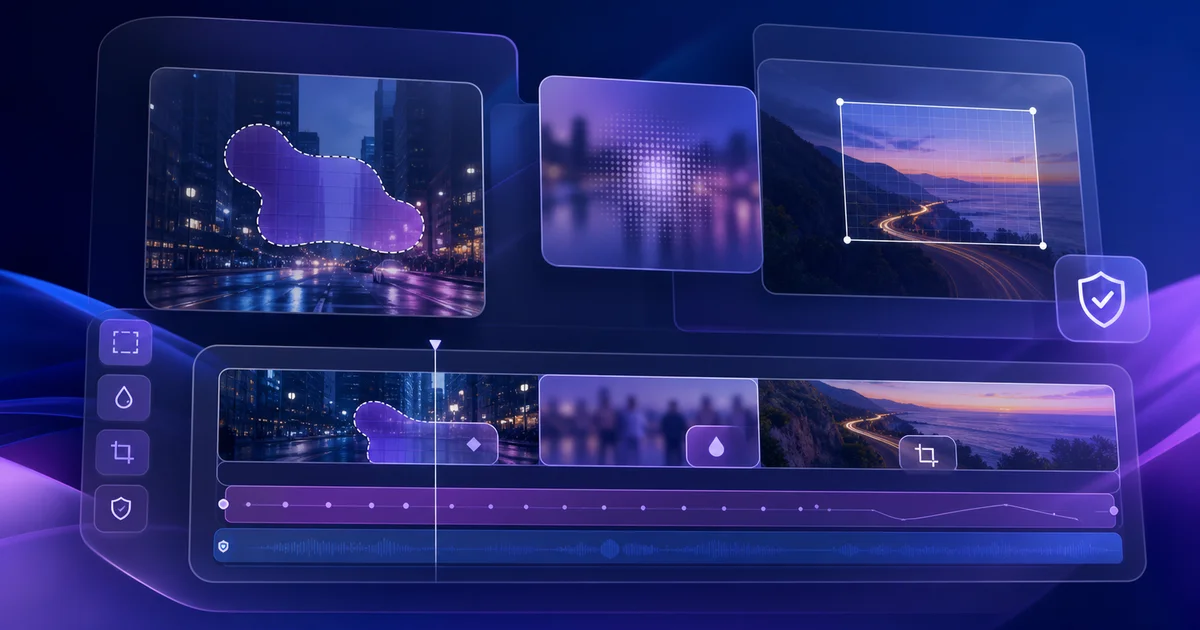
Before You Blur or Crop a Video: 6 Privacy Checks
Blur and crop decisions are easier before the final export. Use this checklist to decide what to hide, crop, feather, invert, and review with VMAI's Mask & Crop tool.

Before You Re-render: Fix the Look of an AI Video with a Filter Stack
When an AI video draft is structurally right but visually flat or inconsistent, use a filter stack to decide what to fix before you regenerate the whole video.
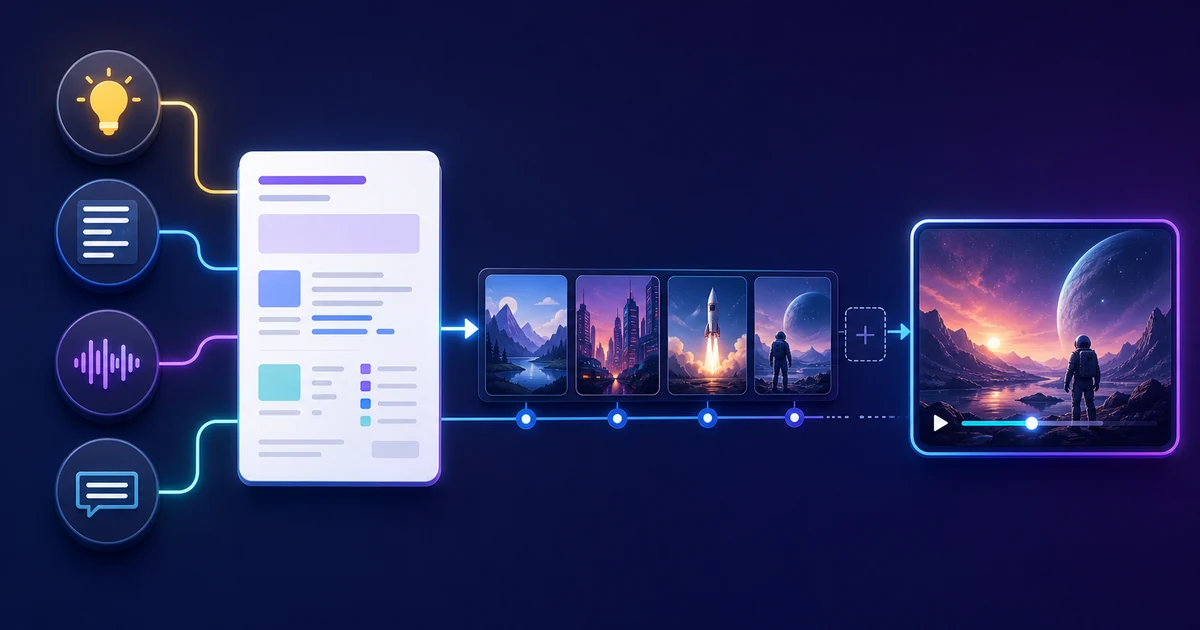
The One-Page Brief That Makes AI Video Output Easier to Use
Whether you start from an idea, script, audio, or subtitle file, a one-page production brief helps VMAI create more useful scenes and reduces rework during review and rendering.

The Render Settings Mistake That Wastes Good AI Videos
A strong AI video draft can still become hard to reuse if resolution, subtitles, codec, and motion settings are chosen at the last minute. Use VMAI's render workflow to plan export decisions earlier.

When You Should Stop Letting AI Guess Your Video Visuals
AI media search is fast, but brand photos, product shots, and event scenes are too important to leave to guessing. Use this practical framework for deciding when to upload your own images for VMAI's automatic image assignment.

Before You Generate Subtitles: 6 Checks That Save Editing Time
Speech-to-text alone does not make finished subtitles. Check SRT/VTT format, recognition language, VAD, AI subtitle refinement, line length, and Credits before you generate so the edit takes less cleanup.

Before You Turn a Still Image into Video: 6 Motion Graphics Decisions
Turning a still image into a short motion graphics clip is not only a prompt problem. Decide the clip role, motion path, text, duration, Credits, and edit plan first, using VMAI Motion Clip Generator as a practical reference.

Before You Generate AI Music: 6 Decisions That Matter More Than the Prompt
A better prompt is only part of AI music generation. Decide vocals, model quality, duration, Credits, reference audio, and reuse rules before you generate. Use this practical checklist with VMAI AI Music Generator.
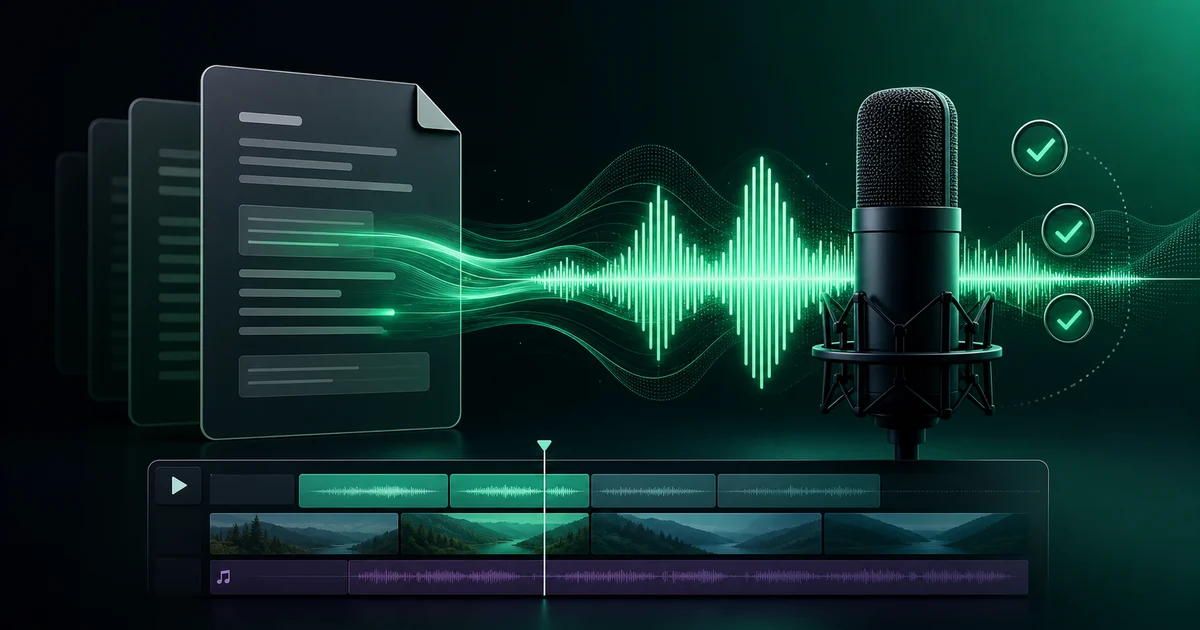
7 Checks Before You Use an AI Voice Generator
An AI voice generator looks simple: paste text, choose a voice, and click generate. In practice, voiceover quality depends on script preparation, language and voice fit, browser versus server generation, Credits, and download workflow. Use this checklist with VMAI AI TTS Voice Generator.

7 Checks Before You Choose a Subtitle Style
Subtitle style is not only about looking good. Before burning captions into video, check readability, placement, colors, word timing, cost, and reusability. Use this practical checklist with VMAI Subtitle Burner and Subtitle Style Editor.
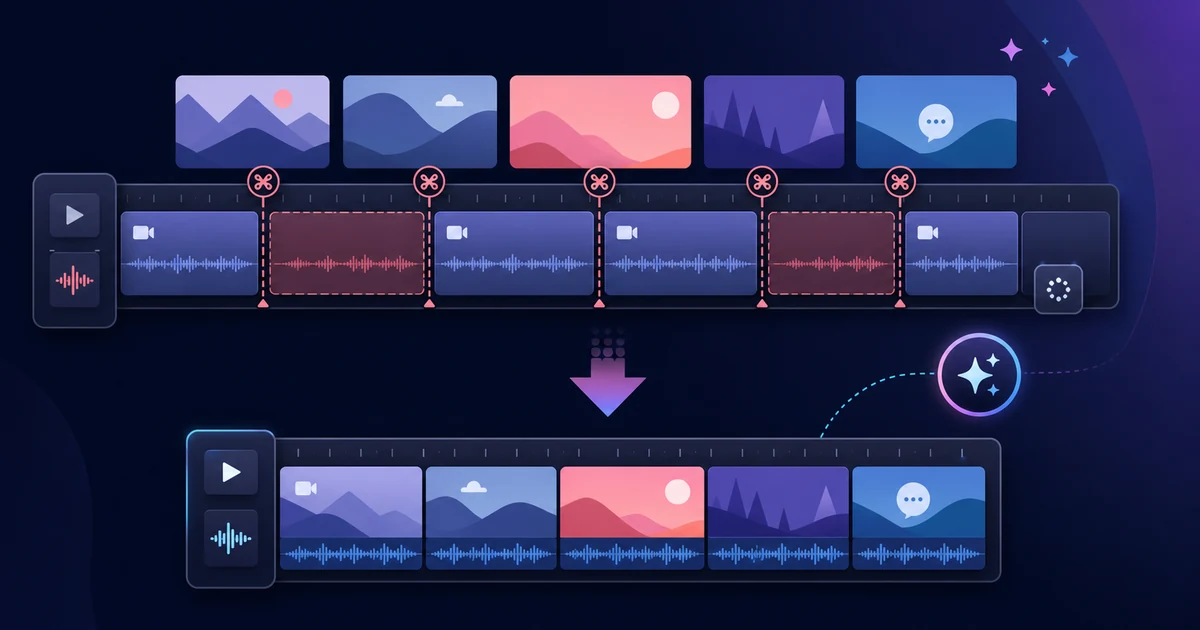
6 Things to Check Before Choosing a Silence Removal Tool
Many tools can cut silence, but the wrong setup can clip sentence endings or make post-production harder. Use these six checks before choosing a silence removal tool, with VMAI Auto Cut Editor as a practical example.

How Video Watermarks Make Your Brand Easier to Remember
A watermark is more than a logo. It helps keep source, ownership, and brand tone clear as videos are shared, clipped, and reused. Learn when and how to use VMAI's Watermark / Logo tool as a finishing step.
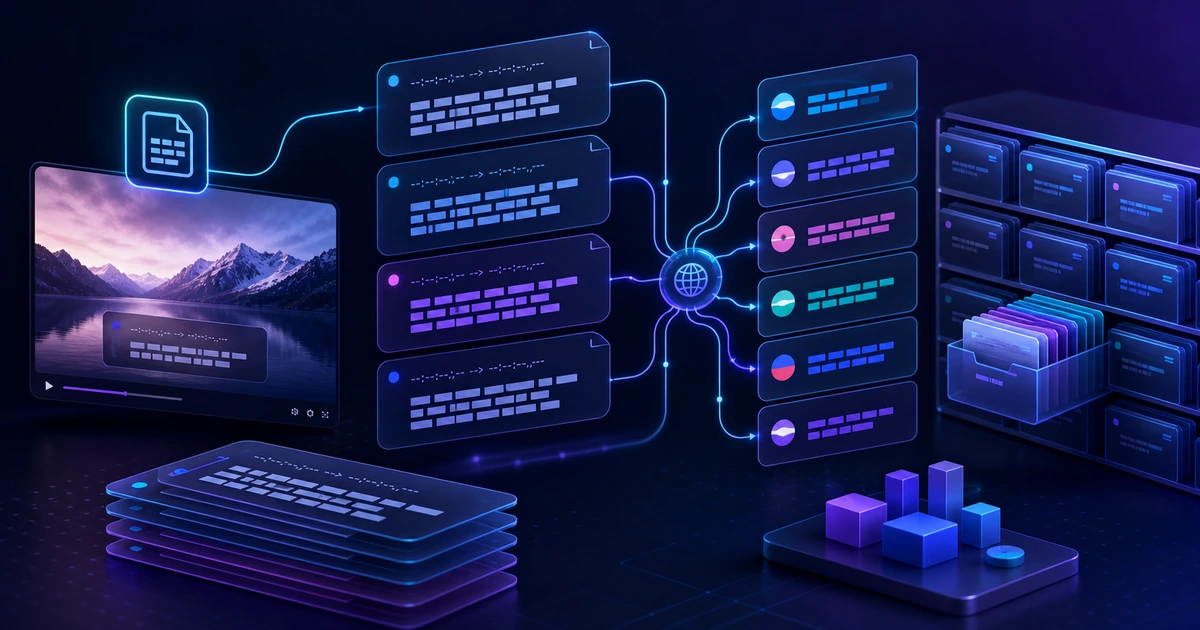
Why Subtitle Files Should Be Reusable Localization Assets
Keeping SRT/VTT files separate before burning subtitles into video makes translation, review, and reuse much easier. Learn how VMAI's subtitle translator supports a timecode-safe localization workflow.

Introducing VMAI Blog: Create Videos from Just an Idea
AI transforms your ideas into complete videos. Discover new possibilities in content creation with VMAI's innovative video generation technology.